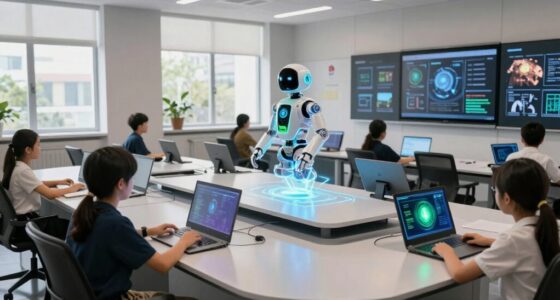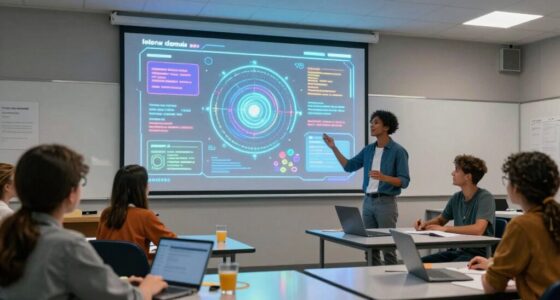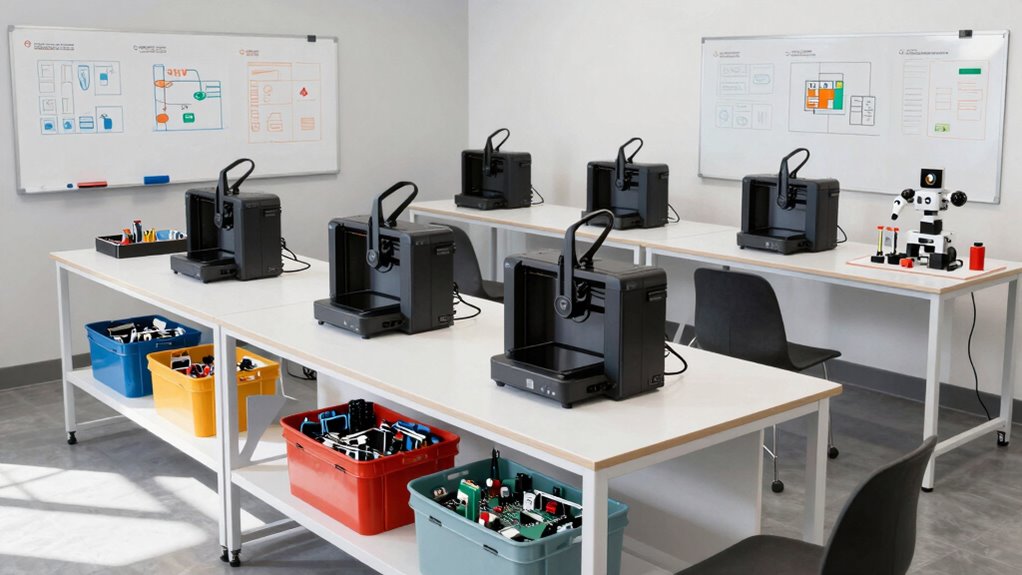

To build an AI-ready makerspace without going overboard, focus on versatile, easy-to-use hardware like microcontrollers, Raspberry Pi, and robotics kits that support various project levels. Incorporate hands-on, project-based activities to promote active learning and critical thinking. Encourage collaboration with shared workspaces and tools that foster teamwork. Keep resources current by exploring emerging AI tools and frameworks, ensuring your space stays relevant. If you’re curious how to streamline this process, there’s more to discover.
Key Takeaways
- Focus on versatile, essential hardware like microcontrollers and sensors to support diverse AI projects.
- Incorporate accessible coding platforms such as Python, Scratch, and JavaScript for scalable learning.
- Create flexible, collaborative workspaces that encourage teamwork and iterative experimentation.
- Regularly update resources and tools to stay aligned with current AI trends and emerging technologies.
- Prioritize quality and simplicity over excessive gadgets to maintain a manageable, effective makerspace.
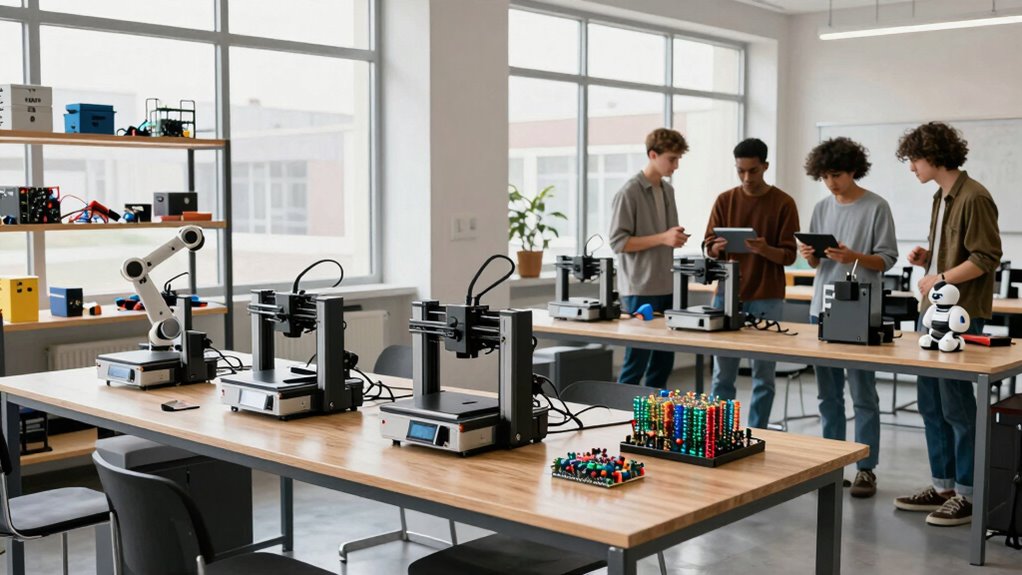
Creating an AI-ready makerspace is essential for fostering innovation and preparing learners for the future. To achieve this, you need to thoughtfully integrate resources that promote hands-on learning and skill development. Start by ensuring your space includes the core tools for robotics workshops and coding bootcamps, which are foundational for understanding AI concepts. Robotics workshops allow learners to experiment with building and programming robots, giving them tangible experience with sensors, motors, and control systems. These activities help demystify AI and machine learning by providing practical, engaging projects that reinforce theoretical knowledge.
Next, incorporate accessible coding platforms that support beginner to advanced learners. Platforms like Python, Scratch, or JavaScript help learners develop programming skills, which are essential for AI development. You want to create an environment where students can easily shift from simple coding exercises to more complex AI algorithms. This means providing not only the software but also the hardware that allows students to test their code in real-world scenarios, such as microcontrollers, Raspberry Pi kits, or Arduino boards.
It’s equally important to cultivate a collaborative environment. Encourage teamwork during robotics workshops and coding bootcamps, which fosters peer learning and idea sharing. When learners work together on projects, they develop critical thinking and problem-solving skills, vital for AI innovation. Keep your space flexible enough to accommodate group work, with plenty of tables, whiteboards, and shared digital workspaces. This setup facilitates brainstorming and iterative development, which are central to AI projects.
To avoid going overboard, focus on quality over quantity of resources. Invest in versatile, easy-to-use tools that can serve multiple purposes. For instance, a single robotics kit can be used for different projects, from simple line-following robots to more complex autonomous systems. Avoid cluttering your space with unnecessary gadgets that might distract or overwhelm learners. Instead, prioritize essential hardware and software that align with your curriculum goals.
Finally, stay current with emerging AI tools and trends. Offer regular workshops or short courses that introduce new developments, such as machine learning frameworks or AI development environments. This ongoing learning keeps your makerspace dynamic and relevant, ensuring learners are well-prepared for future challenges. By balancing hands-on activities like robotics workshops and coding bootcamps with strategic resource management, you can create an AI-ready makerspace that inspires innovation without becoming overwhelming. Additionally, understanding the emerging trends in AI can help you adapt your space to stay ahead of technological advancements. Incorporating up-to-date tools and resources ensures your space remains cutting-edge and engaging for learners.
As an affiliate, we earn on qualifying purchases.
Frequently Asked Questions
What Budget Is Needed to Start an Ai-Ready Makerspace?
You’ll need a flexible budget, typically starting around $5,000 to $15,000, depending on your goals. Focus on funding strategies like grants, sponsorships, and community contributions to cover equipment costs. Prioritize essential items such as computers, sensors, and AI software, then gradually expand. Keep costs manageable by sourcing affordable hardware and open-source tools, ensuring your makerspace stays accessible and scalable without overspending.
How Do I Train Staff to Use AI Tools Effectively?
You train staff to use AI tools effectively by providing hands-on staff training focused on AI integration. Start with workshops that introduce basic AI concepts and practical applications relevant to your makerspace. Encourage continuous learning through online courses or tutorials. Foster a collaborative environment where staff can share insights and troubleshoot together. Regularly update training to keep pace with AI advancements, ensuring your team remains confident and skilled in leveraging AI tools.
Which Safety Protocols Are Essential for AI Equipment?
You should prioritize AI safety protocols, as 60% of AI failures are due to improper equipment maintenance. Guarantee all AI equipment is regularly inspected and calibrated to prevent malfunctions. Implement safety procedures like emergency shut-offs and clear signage. Train staff on proper handling, and keep detailed maintenance records. These steps reduce risks, protect users, and keep your AI equipment running smoothly, making your makerspace safer and more reliable.
How Can I Measure the Success of My Makerspace?
You can measure your makerspace’s success through evaluation metrics like project completion rates, skill development, and user feedback. Track user engagement by noting how often members participate in workshops, collaborate on projects, and share ideas. Regular surveys and observation help identify areas for improvement. When you monitor these indicators, you’ll see how well your makerspace fosters innovation, learning, and community, guiding you to make informed enhancements.
What Partnerships Can Enhance AI Resources and Expertise?
Ever wondered how to elevate your AI resources? You should pursue strategic corporate collaborations and academic partnerships. These alliances bring expert knowledge, cutting-edge tools, and real-world projects into your makerspace. Corporate partners can offer mentorship and funding, while academic institutions provide research insights and skilled students. Together, they create a dynamic environment that accelerates AI innovation, helping you stay ahead in this rapidly evolving field.
As an affiliate, we earn on qualifying purchases.
Conclusion
By thoughtfully integrating AI tools, fostering curiosity, and encouraging experimentation, you create a makerspace that inspires innovation, fuels learning, and sparks discovery. With each new project, you build confidence, ignite passion, and cultivate creativity. Your space becomes a hub of endless possibilities, where ideas take shape, skills grow stronger, and minds expand. Keep nurturing this environment—where imagination meets technology—so your makerspace becomes a catalyst for future breakthroughs, a sanctuary for growth, and a launchpad for dreams.
As an affiliate, we earn on qualifying purchases.
AI development environment software
As an affiliate, we earn on qualifying purchases.
As an affiliate, we earn on qualifying purchases.