
AI can speed up your video editing process by automating tasks like cutting, color correction, and stabilizing footage, saving you time. It helps identify key moments and suggests edits, allowing you to keep your creative vision intact while working faster. AI acts as an assistant, offering new ideas and options without replacing your artistic control. If you want to discover how to finalize projects efficiently while maintaining your unique style, keep exploring the possibilities.

Get business pricing on tech for your team
- Business-only prices and quantity discounts
- Tax-exempt purchasing
- Multiple users, one account, clear invoices
Key Takeaways
- AI automates repetitive editing tasks, speeding up production while allowing creators to focus on creative decisions.
- It offers suggestions and enhancements that inspire new ideas without replacing artistic vision.
- AI enables rapid experimentation with styles, colors, and effects, fostering innovation in editing workflows.
- Creative control is preserved through customization options, ensuring AI supports rather than dictates the final vision.
- Ethical use and media literacy help balance AI efficiency with maintaining originality and responsible content creation.
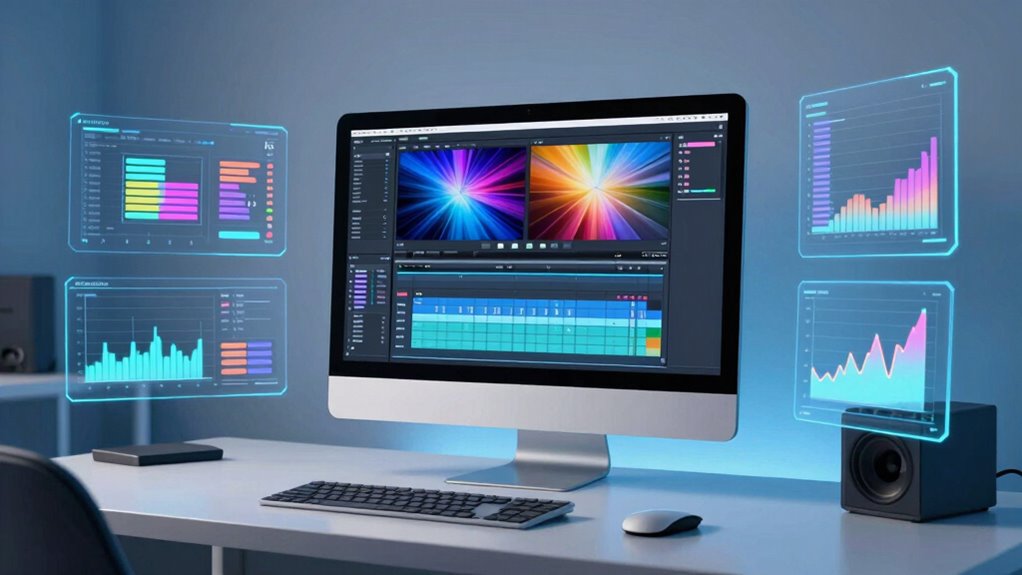
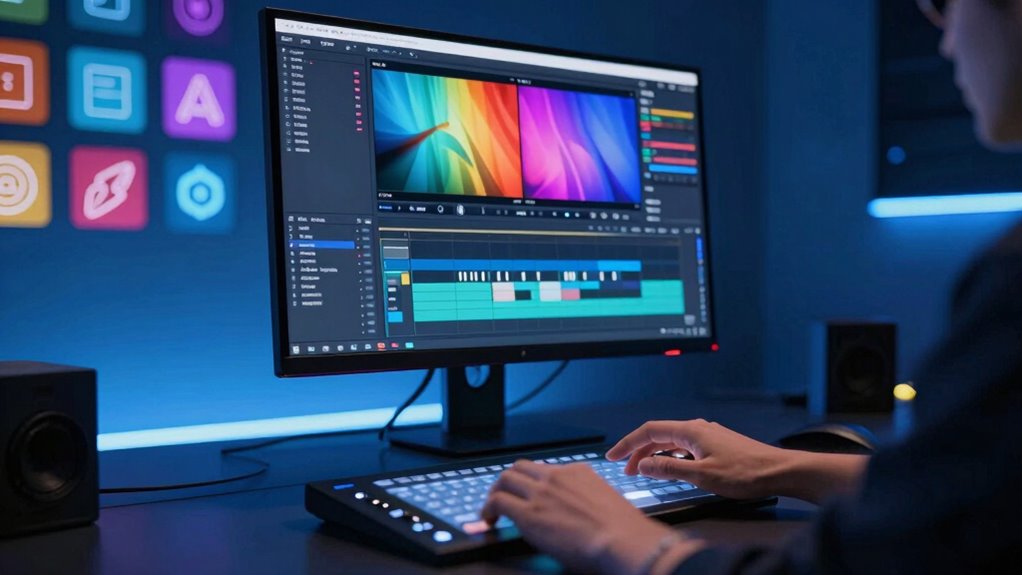
Artificial intelligence is transforming the way we approach video editing, making the process faster, more efficient, and more creative. With AI tools at your fingertips, you can streamline tedious tasks like cutting, color correction, and even sound editing, freeing up your time to focus on the heart of your project—your creative storytelling. Instead of spending hours manually adjusting clips, AI automates these processes, allowing you to produce polished videos in a fraction of the time. This efficiency doesn’t remove your creative control; rather, it enhances your ability to experiment and refine your vision without getting bogged down in technical details.
AI-powered software can analyze your footage, identify key moments, and suggest edits that align with your narrative style. This means you can maintain your artistic vision while speeding up the editing process. For example, AI tools can automatically generate transitions, stabilize shaky footage, or even select the best clips based on visual quality and relevance. These features help you craft engaging stories without sacrificing creativity, as you retain the ability to tweak and customize the AI-generated suggestions. The key is that AI acts as an assistant, not a replacement, enabling you to concentrate on storytelling instead of the technical grind.
One of the most compelling ways AI preserves creativity is through its ability to offer new ideas and perspectives. With machine learning models trained on vast datasets, AI can recommend innovative visual effects, color palettes, or pacing techniques that you might not have considered. This sparks inspiration and pushes your creative boundaries, ensuring your videos remain fresh and captivating. Moreover, AI tools can help you experiment with different styles or themes rapidly, giving you the freedom to explore various creative directions without committing hours to each one. This iterative process encourages experimentation and is essential for compelling storytelling. Additionally, understanding media literacy helps ensure that how you incorporate AI aligns ethically and effectively with your creative goals. Recognizing the importance of media literacy and visual storytelling can also be applied to organizing your editing process and visual storytelling in videos.
As an affiliate, we earn on qualifying purchases.
Frequently Asked Questions
How Does AI Handle Complex Storytelling in Videos?
AI handles complex storytelling in videos by maintaining narrative consistency and enhancing emotional depth. It analyzes scripts and footage to guarantee seamless flow, aligning scenes for a coherent story. AI also identifies key moments, suggesting edits that evoke emotion and strengthen engagement. While it automates technical tasks, you still control creative choices, allowing AI to support your vision without compromising the storytelling integrity or emotional impact.
Can AI Suggest Creative Editing Styles Automatically?
AI can suggest creative editing styles automatically, acting as your creative sidekick. Using style transfer techniques, it applies unique visual aesthetics, and automated color grading enhances mood effortlessly. While it offers fresh ideas, you still steer the ship, ensuring your vision stays intact. Think of it as a double-edged sword—speeding up processes without dousing your creative fire, but you hold the reins to keep your style truly one of a kind.
What Are Common AI Tools Used in Video Editing Today?
Today, you can use AI-driven color grading tools like DaVinci Resolve’s Neural Engine to enhance footage quickly and consistently. Automated sound mixing tools, such as Adobe Audition’s AI features, streamline audio editing by balancing sound levels effortlessly. These AI tools help you speed up your workflow while maintaining high-quality results, allowing you to focus more on creativity rather than technical tasks.
How Does AI Impact the Role of Human Editors?
AI shifts your role from manual editing to strategic oversight, ensuring ethical considerations are met. For example, a film studio used AI to automate color correction but relied on human editors for creative decisions and ethical checks. Your job now involves overseeing AI outputs, maintaining quality, and addressing ethical concerns. This blend enhances efficiency without sacrificing creativity, but it requires careful human oversight to navigate ethical considerations and keep artistic integrity intact.
Is Ai-Based Editing Cost-Effective for Small Creators?
Yes, AI-based editing can be cost-effective for small creators. It offers budget-friendly solutions by streamlining workflows and reducing the need for extensive manual editing. You can implement cost-saving strategies like using AI tools for initial edits or automation, which helps minimize expenses while maintaining quality. This allows you to focus your budget on other creative aspects, making professional-looking videos more accessible without breaking the bank.
automatic video stabilization tool
As an affiliate, we earn on qualifying purchases.
As an affiliate, we earn on qualifying purchases.
Conclusion
You might be surprised to learn that over 70% of editors believe AI considerably speeds up their workflow without sacrificing creativity. AI tools can automate tedious tasks, allowing you to focus on your unique vision. Instead of worrying about losing originality, embrace AI as a partner that enhances your skills. As technology advances, you’ll find that blending human creativity with AI efficiency can lead to even more innovative and enthralling videos, making your editing process smarter and more inspiring.
As an affiliate, we earn on qualifying purchases.
As an affiliate, we earn on qualifying purchases.
Fall Picks
fall essentials
As an affiliate, we earn on qualifying purchases.