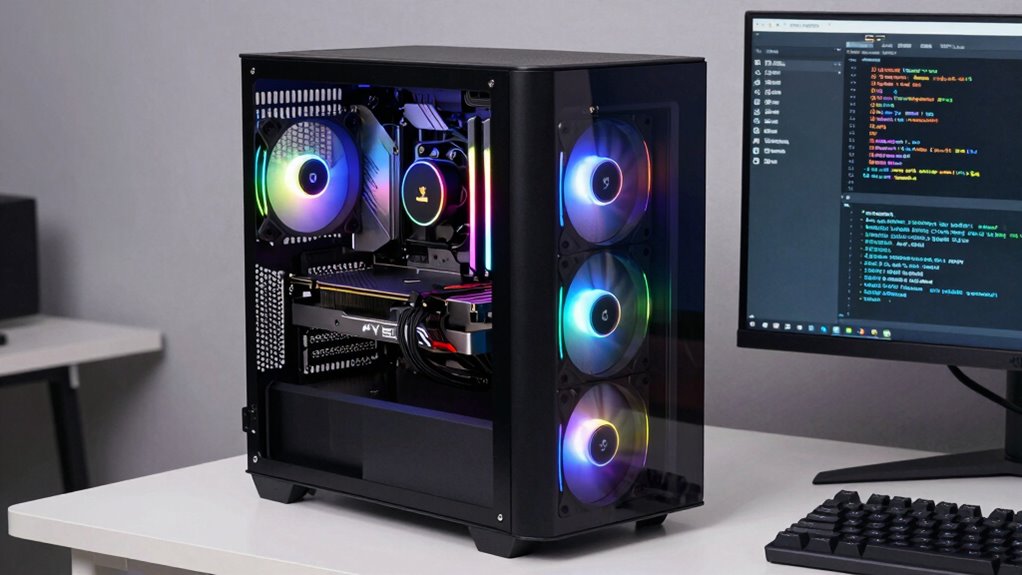

To choose the right GPU desktop for generative AI, prioritize a high-performance GPU with many CUDA cores and ample VRAM, like the latest NVIDIA RTX series or RTX A6000. Make certain your system has a balanced setup—matching a strong CPU and enough RAM—to avoid bottlenecks. Good cooling and a reliable power supply are essential for stable, long-term use. Focus on expandability and future upgrades to keep your setup competitive—keep exploring to learn more about assembling an ideal AI workstation.

Get tech for your team delivered free — and shop member deals
- Fast, free delivery on millions of items
- Access to Prime Big Deal Days deals on October 6–7
- Prime Video, Amazon Music and more included
Key Takeaways
- Prioritize GPUs with high CUDA core counts and large VRAM, like NVIDIA RTX A6000 or latest RTX series.
- Ensure the desktop has robust cooling solutions to maintain optimal GPU temperatures under load.
- Select a high-quality power supply with sufficient wattage and compatible connectors for your GPU and system.
- Balance CPU, RAM, and GPU to prevent bottlenecks and maximize AI workload performance.
- Choose a system with expandability options, such as extra PCIe slots and cooling space, for future upgrades.
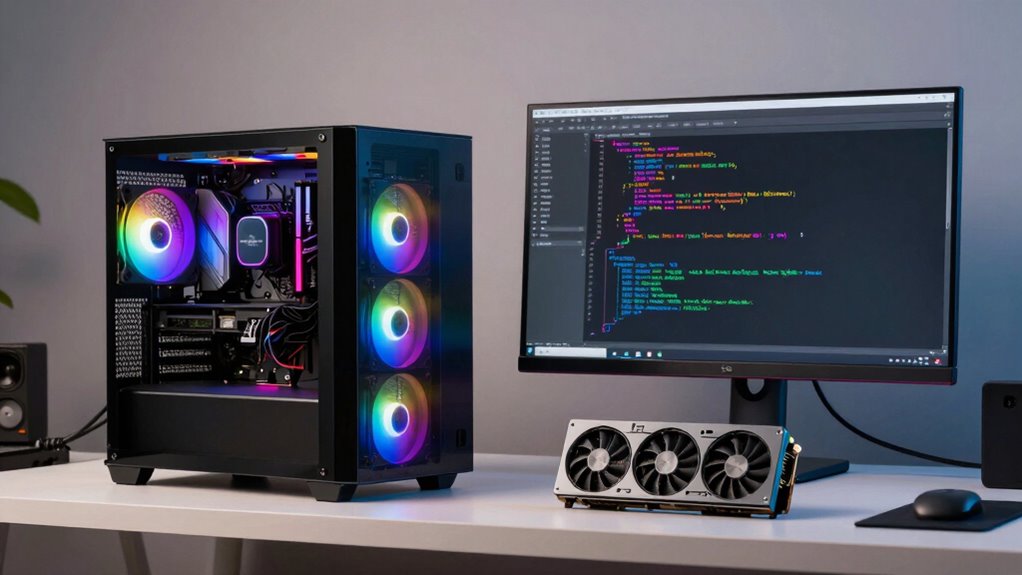
Are you overwhelmed by the variety of GPU desktops available? Choosing the right one for generative AI work can feel intimidating with so many options on the market. To start, you need to focus on the core components that will support intensive AI workloads, especially the GPU itself. A powerful GPU is essential for training large models efficiently, so consider models with high CUDA core counts and ample VRAM, such as NVIDIA’s RTX A6000 or the latest RTX series. But beyond raw specs, you must pay attention to GPU cooling. Generative AI tasks push hardware to its limits, which means your GPU will generate a lot of heat. Proper GPU cooling isn’t just about keeping temperatures manageable; it also maintains consistent performance and prolongs hardware lifespan. Look for desktops with robust cooling solutions—whether airflow-based or liquid cooling systems—that can handle sustained high loads without throttling. Ensuring hardware longevity and stability is crucial for ongoing AI projects. Additionally, selecting a system with a reliable power supply** helps prevent performance dips caused by power fluctuations or inadequate wattage, further supporting stable operation. Adequate power supply also means selecting a unit with the right connectors for your GPU and motherboard, so check compatibility before purchasing. When selecting a GPU desktop, consider your overall system balance. A high-end GPU paired with a weak CPU or insufficient RAM can bottleneck performance. Ensuring system compatibility and balanced hardware will help you maximize your AI workflow. Additionally, pay attention to the desktop’s expandability—if you plan to scale your AI projects, choose a case with extra PCIe slots and space for additional cooling solutions. Also, keeping up with latest hardware trends can help you future-proof your setup for upcoming AI advancements. Incorporating up-to-date components** can ensure your system remains competitive as AI technology evolves.
As an affiliate, we earn on qualifying purchases.
Frequently Asked Questions
How Does GPU Memory Capacity Affect AI Model Training?
GPU memory directly impacts your AI model training by determining how much data and model parameters you can handle at once. With more GPU memory, you can train larger, more complex models faster and avoid bottlenecks caused by frequent data swapping. It enables you to process bigger datasets efficiently, reducing training time and improving overall performance. So, opt for a GPU with ample memory to enhance your generative AI projects.
What Is the Importance of CUDA Cores in GPU Performance?
Think of CUDA cores as your GPU’s armies, marching in perfect sync to boost performance. They handle parallel tasks efficiently, making your AI training faster. In GPU architecture, more CUDA cores generally mean better computational power, especially with software optimization. This allows your system to process complex models swiftly, saving you time and enhancing results. So, when choosing a GPU, prioritize CUDA cores for maximum generative AI performance.
How Do Power Supply Requirements Vary Between GPU Models?
Power supply requirements vary between GPU models mainly because of differences in power consumption, which directly impact power efficiency and voltage stability. High-performance GPUs often demand more wattage, so you need a power supply with sufficient wattage capacity and reliable voltage regulation. Ensuring your power supply can handle the GPU’s specific needs helps maintain stable operation and prevents power-related issues during intensive generative AI tasks.
Are There Compatibility Issues With Certain CPU and GPU Combinations?
Imagine your CPU and GPU as dance partners—if they don’t sync, the performance suffers. Compatibility issues can arise with mismatched CPUs and GPUs, especially if your GPU driver compatibility isn’t up to date or your motherboard lacks the right PCIe slots. Make sure your motherboard supports the GPU’s interface, and update drivers regularly to prevent conflicts. This keeps your system harmonized, delivering maximum performance for generative AI tasks.
How Does GPU Cooling Impact Long-Term AI Workloads?
GPU cooling considerably impacts long-term AI workloads by maintaining ideal thermal management. Efficient cooling solutions prevent overheating, which can throttle performance and reduce GPU lifespan. When you prioritize robust cooling, your GPU stays cooler under heavy loads, ensuring consistent performance during intensive generative AI tasks. Investing in quality cooling solutions helps avoid thermal issues, prolongs hardware life, and keeps your AI workflows running smoothly without interruptions caused by thermal throttling.
high performance GPU cooling system
As an affiliate, we earn on qualifying purchases.
As an affiliate, we earn on qualifying purchases.
Conclusion
So, now that you’re armed with the wisdom of GPU specs and the thrill of pixel-pushing power, go forth and choose your perfect AI sidekick. Remember, it’s not just about flashing lights and bragging rights—unless, of course, your ego’s as big as your GPU’s VRAM. Ultimately, a well-chosen GPU turns your generative AI dreams into reality, proving that in the world of tech, it’s all about power, performance, and just a dash of obsession.
As an affiliate, we earn on qualifying purchases.
As an affiliate, we earn on qualifying purchases.
Fall Picks
fall essentials
As an affiliate, we earn on qualifying purchases.