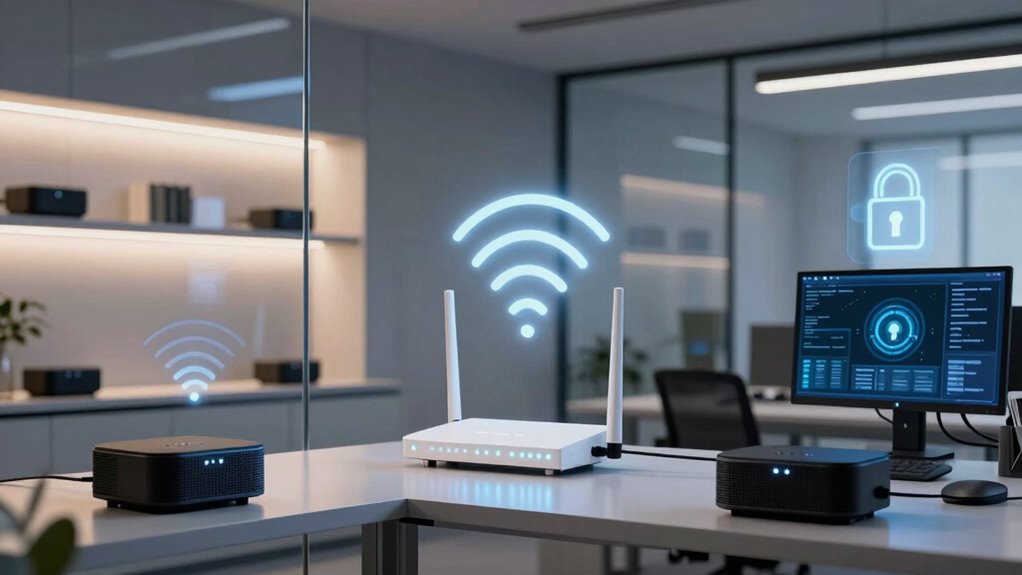

Mesh Wi-Fi improves your smart office by providing seamless, stable coverage and better network management. However, it also introduces security risks, especially with IoT devices like cameras and thermostats that can become entry points for cyber threats. If these devices aren’t properly secured, malware could spread across your network or data could be compromised. To stay protected, you need to understand how to manage and secure your mesh system—more to discover if you keep exploring.

Get business pricing on tech for your team
- Business-only prices and quantity discounts
- Tax-exempt purchasing
- Multiple users, one account, clear invoices
Key Takeaways
- Mesh Wi-Fi enhances coverage but can expand attack surfaces if IoT devices lack proper security.
- Interconnected nodes may amplify vulnerabilities, risking malware spread across the network.
- Proper network segmentation is crucial to isolate IoT devices from sensitive office systems.
- Regular firmware updates and strong authentication strengthen mesh network security.
- Staff education and ongoing monitoring are essential to detect and prevent security breaches.

In today’s digital workplace, ensuring reliable and secure internet connectivity is more essential than ever, especially as remote work and cloud-based applications become the norm. When you implement mesh Wi-Fi systems in your office, you gain seamless coverage and improved network stability. However, this setup also introduces new security considerations. One of the main concerns is IoT device vulnerabilities. Many smart office devices—like smart thermostats, security cameras, or connected printers—can serve as entry points for cyber threats if not properly secured. Mesh networks, with their interconnected nodes, can amplify these vulnerabilities if you’re not careful. An infected device on one part of the mesh could potentially spread malware across your entire network, making it indispensable to manage each device’s security individually.
To mitigate these risks, network segmentation becomes essential. By dividing your network into separate segments—such as one for employee devices, another for IoT gadgets, and a secure core network—you limit the spread of potential threats. With mesh Wi-Fi, you can create multiple SSIDs or virtual LANs, isolating your IoT devices from more sensitive areas of your network. This way, even if an IoT device is compromised, the attacker remains confined to that segment, preventing access to critical business data or confidential information. Proper segmentation also simplifies monitoring and management, allowing you to detect unusual activity on specific segments without exposing your entire network. Implementing security measures and following best practices can further enhance your network’s resilience against evolving cyber threats. Additionally, understanding the capabilities of different mesh Wi-Fi systems helps in choosing the right setup for your security needs.
While mesh Wi-Fi offers enhanced coverage and convenience, it also requires a forward-thinking security approach. You shouldn’t rely solely on default passwords or basic encryption. Regular firmware updates, strong authentication methods, and disabling unnecessary features are essential steps. Additionally, consider integrating advanced security tools like intrusion detection systems tailored for mesh networks. These measures help you stay ahead of emerging threats, especially as IoT devices often lack robust security protocols. The interconnected nature of mesh networks means that a single weak point can jeopardize the entire system, so continuous vigilance is indispensable. Implementing device security protocols and educating staff on best practices further strengthens your defenses against potential breaches. Moreover, it’s crucial to stay informed about emerging cyber threats that could exploit vulnerabilities in mesh networks.
As an affiliate, we earn on qualifying purchases.
Frequently Asked Questions
Can Mesh Wi-Fi Prevent All Cyberattacks in a Smart Office?
Mesh Wi-Fi can’t prevent all cyberattacks in your smart office. While it enhances network coverage and can support security features like network segmentation, legacy hardware remains vulnerable if not updated or isolated. Attackers may exploit outdated devices or poorly segmented networks. To boost security, guarantee you update legacy hardware, implement strong segmentation, and combine mesh Wi-Fi with other cybersecurity measures. Relying solely on mesh Wi-Fi isn’t enough for complete protection.
How Does Mesh Wi-Fi Handle Device Authentication?
Mesh Wi-Fi handles device authentication by using encryption protocols to secure data transmission and guarantee only authorized devices connect. It employs device encryption to protect data during exchange and supports network segmentation, which isolates devices into different segments for added security. This way, even if one device is compromised, it doesn’t threaten the entire network, enhancing your smart office’s overall security posture.
Are There Specific Mesh Wi-Fi Features to Improve Security?
Imagine your network as a fortress, and specific mesh Wi-Fi features are the sturdy gates. These systems often include advanced encryption protocols that lock out intruders and network segmentation that isolates sensitive data. By deploying these features, you enhance your smart office’s defenses, making it harder for cyber threats to penetrate. You’ll enjoy a seamless, secure environment where your devices communicate privately, safeguarding your business interests effectively.
What Are the Risks of Using Public Mesh Wi-Fi Networks?
Using public mesh Wi-Fi networks exposes you to public network vulnerabilities and data interception risks. Cybercriminals can exploit unsecured connections to intercept sensitive information like login credentials, emails, or confidential business data. Since public networks often lack strong encryption, your data becomes more vulnerable to hacking. Always avoid transmitting sensitive information over public mesh Wi-Fi, or use a trusted virtual private network (VPN) to protect your data from potential threats.
How Often Should Mesh Wi-Fi Firmware Be Updated for Security?
Ever wonder how to keep your network safe from evolving threats? You should update your mesh Wi-Fi firmware at least once a month. Regular firmware updates include essential security patches that fix vulnerabilities and enhance protection. Ignoring these updates leaves your network exposed to cyberattacks. Stay proactive by checking for new firmware releases regularly and applying updates promptly, so your smart office remains secure and resilient against potential threats.
IoT device network segmentation tools
As an affiliate, we earn on qualifying purchases.
As an affiliate, we earn on qualifying purchases.
Conclusion
While mesh Wi-Fi enhances your office’s connectivity, it also opens new doors for potential security breaches. Imagine seamless internet flowing through your space, but lurking just beneath the surface are vulnerabilities waiting to be exploited. By securing your network with strong passwords and regular updates, you can enjoy the benefits without the risk. In this balance of convenience and caution, you hold the key to a smarter, safer office environment.
mesh Wi-Fi router with advanced security
As an affiliate, we earn on qualifying purchases.
As an affiliate, we earn on qualifying purchases.
network monitoring and intrusion detection for mesh networks
As an affiliate, we earn on qualifying purchases.
As an affiliate, we earn on qualifying purchases.
Fall Picks
fall essentials
As an affiliate, we earn on qualifying purchases.