
TL;DR

Get business pricing on tech for your team
- Business-only prices and quantity discounts
- Tax-exempt purchasing
- Multiple users, one account, clear invoices
This article explains how a single video can produce an entire set of publishing assets—like summaries, social posts, and media kits—using local AI processing. It highlights how this approach boosts privacy, speeds up workflows, and keeps control in your hands, all without cloud dependencies.
Imagine turning one video into a full suite of marketing, launch, and publishing materials—without ever uploading a file to the cloud. No waiting for uploads, no privacy worries, just instant control at your fingertips. That’s what a local-first, video-to-publishing system promises.
Today’s creators face endless repetitive tasks: writing descriptions, creating snippets, designing thumbnails, and more. What if your tools could do all that from one simple input? This article shows how a system built for local processing can cut out the cloud, speed up your publishing, and keep everything private—perfect for indie authors, marketers, and content strategists. Learn more about AI solutions and future work trends.
Key Takeaways
- Processing a single video locally allows you to generate an entire publishing kit—titles, snippets, social posts, and more—without relying on cloud services.
- Full control over your assets and privacy is a major advantage, especially for unpublished or sensitive content.
- Automation speeds up workflows, turning hours of manual work into minutes, with assets fully editable before publishing.
- Hardware requirements are real—ensure your machine can handle the analysis for best results, especially if scaling up.
- This approach is perfect for indie creators, publishers, and marketers who want speed, privacy, and control in their publishing process.
local AI video processing software
As an affiliate, we earn on qualifying purchases.
As an affiliate, we earn on qualifying purchases.
How One Video Can Create Every Asset You Need
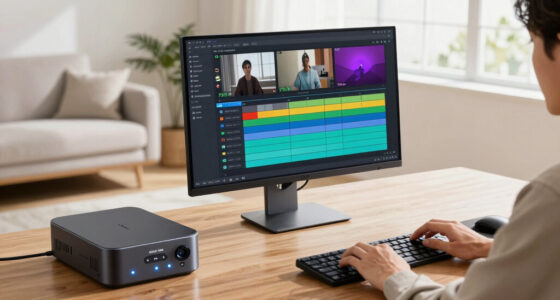
Think of your video as a goldmine. From it, you extract everything—titles, snippets, summaries, social posts, and media kits. A system like ChannelHelm analyzes your video on four levels: audio, visuals, fused data, and intelligence. This layered approach ensures every asset is based on what’s truly happening in your video, not just a transcript.
For example, it detects scene changes, on-screen text, and who’s speaking when. Then, it aligns this info with the spoken content. The result? A detailed map of your video’s most engaging moments, ready to turn into tweets, blog drafts, or launch materials. It’s like having a mini team working locally, turning a single upload into a full publishing kit.
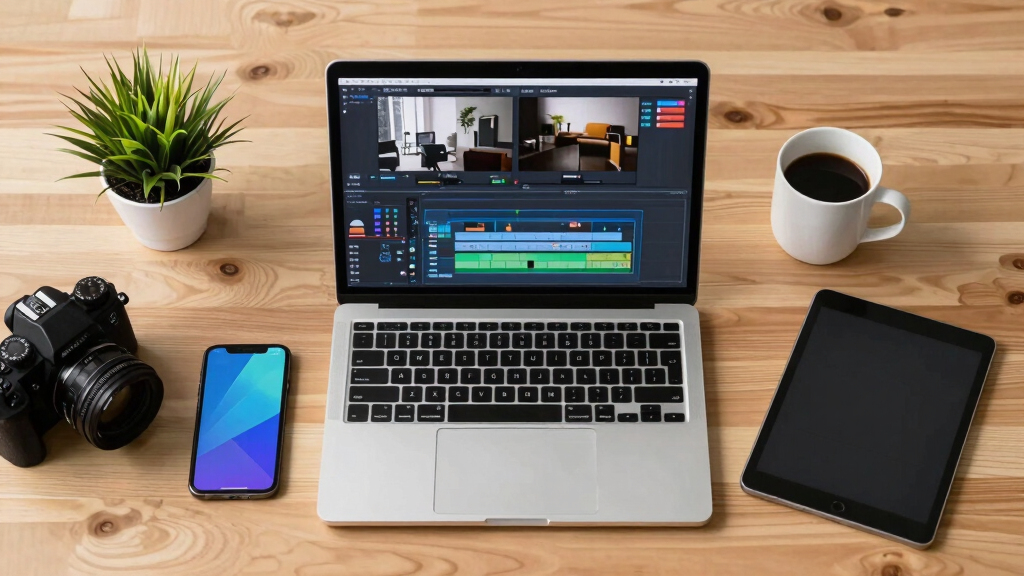
video to social media post generator
As an affiliate, we earn on qualifying purchases.
As an affiliate, we earn on qualifying purchases.
Why Staying Offline Matters for Creators and Publishers
Running this process locally isn’t just a tech gimmick. It offers real benefits. First, your sensitive content stays on your device—no cloud, no data leaks. Second, processing happens instantly—no waiting for uploads or server delays. And third, it’s more reliable because you’re not dependent on internet speed or cloud service uptime. Discover more about AI safety and best practices.
For example, an indie author launching a new book might have early chapters or unpublished cover drafts they don’t want floating around online. Processing locally keeps everything secure. Plus, you can work offline anywhere—at a coffee shop or a basement studio—without sacrificing speed or privacy.
As an affiliate, we earn on qualifying purchases.
What Assets Your Publishing Kit Can Include
A complete publishing kit covers all bases. From a single video, you get: Check out the best smart lighting starter kits for your workspace to enhance your video setup.
- Attention-grabbing titles scored for length and impact
- Meta descriptions with chapters and hashtags
- Thumbnail concepts based on key moments
- Short clips for TikTok, Reels, or Shorts
- Blog post drafts or newsletter snippets
- Social media posts tailored to each platform
- Keywords and tags to boost discoverability
All these assets are automatically generated, but you stay in control. You can tweak the wording, swap images, or regenerate parts until it’s just right. This flexibility means your publishing kit is both fast and customizable.

As an affiliate, we earn on qualifying purchases.
Ensuring Accuracy and Editorial Control
AI tools are great, but you want to be sure your launch details, book titles, and facts are spot-on. With a local system, every generated asset comes with full provenance—details about which model, prompt, and version produced it. This transparency makes editing straightforward.
For example, if a title suggestion includes a typo or a wrong author name, you can quickly identify and correct it before publishing. The system’s editable outputs mean you’re always in the driver’s seat, maintaining quality and consistency.

Use Cases That Make This System a Game-Changer
Indie authors preparing for a launch can generate entire media kits from a promo video—saving hours of manual work. Small publishers can automate promotional content for multiple titles. Marketers working on book campaigns get ready-to-use social snippets and blog drafts instantly. And content strategists can produce structured assets for multiple platforms—all from one video.
For instance, a self-published author might record a quick intro video, then automatically generate a press note, social posts, and a media kit, ready to send out within minutes. No cloud upload needed, no delays.

Limitations and Things to Watch Out For
No system is perfect. File quality matters—blurry videos or poor audio can reduce accuracy. Transcriptions may still need manual correction, especially with complex language or accents. Visual detection might struggle with low-contrast scenes or unusual fonts. And, of course, supporting languages beyond English may require additional setup.
Plus, running locally demands compatible hardware—preferably a recent multi-core CPU, ample RAM, and a decent GPU. It’s not a plug-and-play for everyone, but the tradeoff is control and privacy.

How to Get Started with Your Own Local Publishing System
- Download and install a system like ChannelHelm.
- Prepare your video—preferably high quality for best results.
- Run the system locally, and it will analyze your video across four layers.
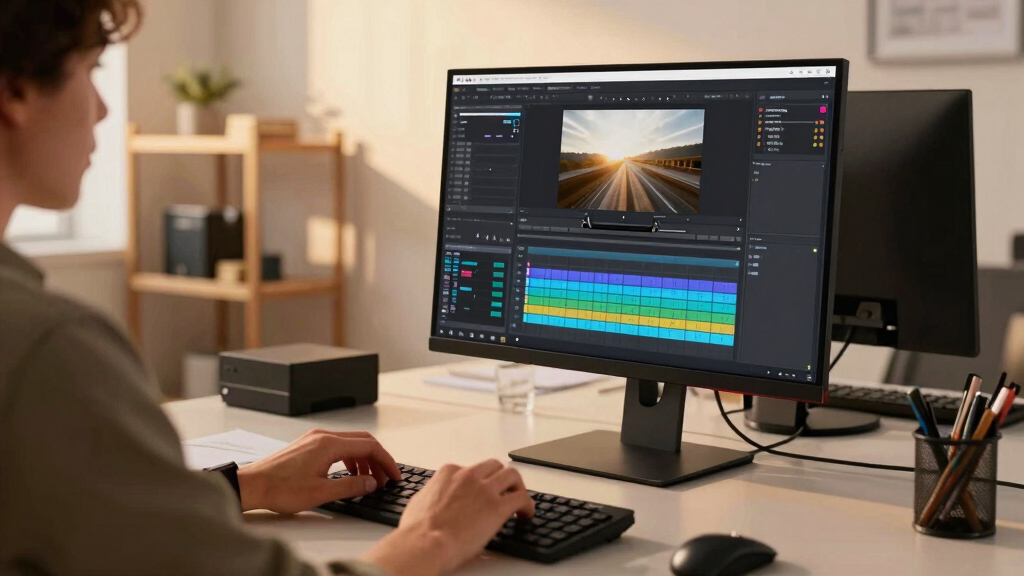
- Review the generated assets in the dedicated studio interface.
- Edit, approve, and export your complete publishing kit.
It’s a straightforward process that takes just a few minutes once set up. The key is understanding your hardware limits and customizing prompts for your style. For more insights, visit auto-blogging strategies.

How This Approach Compares to Cloud-Based AI Tools. For a comprehensive overview of video conferencing solutions, see top video conferencing kits.
| Feature | Local Processing |
|---|---|
| Privacy | Maximum—everything stays on your device |
| Speed | Fast, no upload delays, instant feedback |
| Cost | One-time hardware investment, no ongoing fees |
| Flexibility | Full control, customizable prompts, editable assets |
| Limitations | Hardware requirements, initial setup, potential accuracy issues |
Frequently Asked Questions
What exactly does it generate from one video?
It creates titles, descriptions, social snippets, thumbnails, short clips, and even blog drafts—all tailored to your video’s content. Everything is designed to speed up your publishing process and keep assets on your device.
Does it run entirely on my computer, or does any data leave my device?
It runs entirely locally, meaning your video and generated assets stay on your machine. There’s no need to upload files to the cloud, keeping your content private and secure.
What file types or assets come out of it?
You get text files like titles, descriptions, and scripts; image files for thumbnails; video clips for shorts; and structured data for social posts—all editable and ready to publish.
Can I edit the outputs before using them?
Absolutely. Every asset includes provenance details, and you can tweak everything—titles, descriptions, images—before hitting publish.
How much technical skill does it require?
Once set up, it’s straightforward. Basic familiarity with installation and some hardware considerations are helpful, but detailed technical skills aren’t needed for daily use.
Conclusion
Turning one video into a complete publishing kit without the cloud isn’t just a dream—it’s a practical reality. By processing everything locally, you gain speed, privacy, and full editorial control. It’s a game-changer for creators who want to publish faster and keep their content truly theirs.
Imagine the freedom: no waiting, no data leaks, just instant assets ready for launch. That’s the power of a local-first publishing workflow. So, why not give it a try? Your content, your rules, your speed.

Fall Picks
fall essentials
As an affiliate, we earn on qualifying purchases.