
🔍 Read the full analysis: Can AI Help You Design A Spookier Halloween? on ThorstenMeyerAI.com

Get business pricing on tech for your team
- Business-only prices and quantity discounts
- Tax-exempt purchasing
- Multiple users, one account, clear invoices
TL;DR
AI tools can help create Halloween artwork, voices and character responses, while connected devices can coordinate lights and sound. A motion sensor that plays a fixed recording is ordinary automation, even if marketed as smart. The practical choices are to match each effect to the scene and check its privacy, safety and offline needs.
AI tools can add custom visuals, voices and responsive dialogue to Halloween displays, but a motion-triggered prop that plays the same recording is ordinary automation, according to the original Halloween decor guide. The distinction matters for shoppers and do-it-yourself builders weighing a display’s capabilities against its setup, reliability and privacy tradeoffs.
The guidance describes several different uses of AI in Halloween decor. Generative tools can draft a haunted portrait, background or character line; speech systems can recognize spoken input and produce a reply; and image analysis can process camera images. These functions differ from a sensor that simply triggers a preset sound or movement. The source gives the example of a porch gargoyle: a fixed growl is sensor-triggered, while a system that responds to a visitor’s question uses speech technology.
Each added capability brings practical limits. Generated material may need editing, speech recognition can struggle in noisy surroundings, and analyzing camera images can raise privacy questions. Connected devices can coordinate lights, speakers and props, but an online service or weak Wi-Fi connection may delay an effect. Local playback can be less varied but more dependable; online features may adapt or generate content while relying on connectivity and potentially sending data outside the home.
The recommended approach is to plan one clear visitor moment, create and review the content, select a trigger and output, then test the scene from the visitor’s perspective. A single well-timed cue may be easier to follow than several competing lights and sounds. The guide also advises checking product capabilities, availability, pricing and privacy settings, since marketing descriptions and product details may not make clear what runs locally.
A motion-triggered recording is automation; AI usually means a system generates or interprets content.
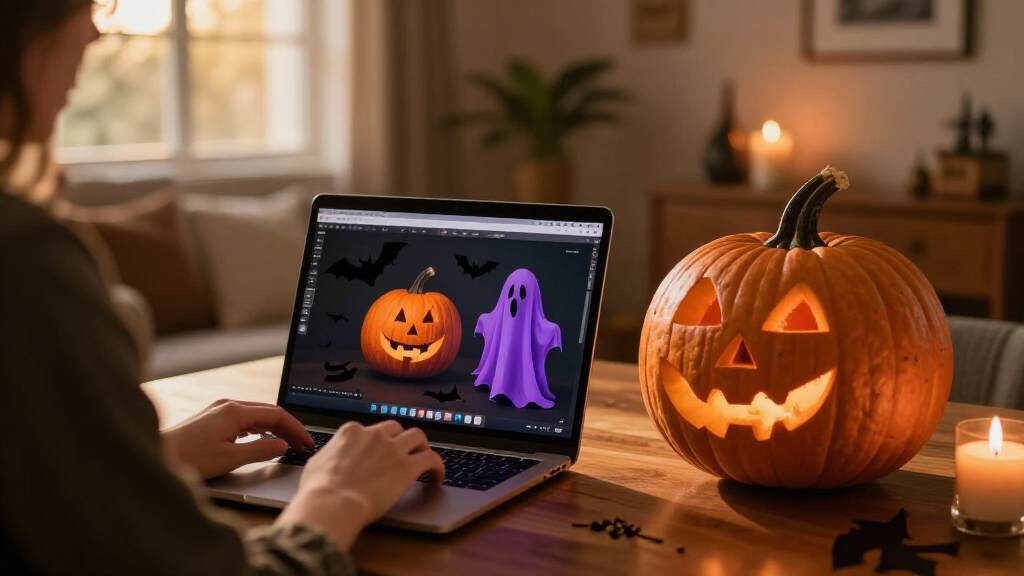
Use generated art, voices, or dialogue to personalize a scene, then review the results and usage terms.
Plan one clear visitor moment before choosing sensors, lights, speakers, or controllers.
Test offline behavior, sensor timing, audio, cable placement, and outdoor protection before Halloween night.
Tell visitors when a display processes faces or voices, limit collection, and provide a way to pass without interacting.
Choosing Effects That Work on Halloween
Halloween displays are often experienced in brief moments, so the effect has to work when guests arrive, not just during a demonstration. A simple sequence—a portrait whispers as someone approaches, followed by a change in light—can give visitors time to notice the reveal. Adding more devices may bring variety, but each one can introduce another trigger, connection or timing issue to troubleshoot.
That makes the AI label less useful than understanding the specific function. A buyer who wants a reliable jump scare may need only a motion sensor and local recording. Someone seeking a character that gives different replies may value speech features, while accepting that noise or connectivity can affect the result. Matching the capability to the scene helps set realistic expectations about cost, setup and what guests will actually experience.
Privacy and safety belong in the design too. A camera-based feature may process images, while a microphone-enabled prop may hear more than a scripted interaction requires. The source advises reviewing privacy settings and whether data leaves the home. It also identifies safe, enjoyable visitor experiences and offline reliability as planning considerations, though it does not provide product-specific safety standards.
From Sensors to Responsive Props
Halloween props have long used simple triggers such as motion detectors to start a sound or movement. The source distinguishes that familiar automation from AI functions that create media, interpret speech or analyze images. The two can appear in the same display, but they do different jobs: a sensor can start a cue, while an AI feature may shape the content or response.
The guidance frames AI as one option within a broader display rather than a requirement for every prop. A smart bulb, speaker and trigger may be enough for a modest scene; more elaborate builds could involve hobby electronics, coding and additional troubleshooting. Generated voices and images also need review for tone and suitability, and their licenses may limit commercial use or sharing.
Product claims can vary, so the guide recommends checking current specifications before buying. It does not name particular products or provide a market survey, tested performance figures or pricing comparisons. Its focus is on the decisions a builder can make: what the visitor should experience, what technology produces that effect, and what happens if a connected feature fails.
What Product Labels Leave Unclear
The source does not identify specific products or verify their current capabilities, prices, availability or privacy practices. A label such as “AI-powered” alone does not establish whether a device generates content, recognizes speech, analyzes images or only plays a preset recording. Those details need to be checked in the product’s current documentation.
It is also unclear how well any particular speech or connected-light setup would perform in a crowded Halloween setting. The guidance notes that noise can interfere with speech recognition and that online services depend on connectivity, but it gives no comparative test results. Data handling will vary by product; buyers need to check where processing occurs and what information, if any, is transmitted.
Test the Scene Before Guests Arrive
The practical next step is to choose one visitor-facing moment and test it under the conditions in which it will run. Check the trigger’s position, sound level, lighting and timing, then try the setup without an internet connection if the scene needs to keep working during an outage. Keep a simple local cue available when a connected effect is central to the display.
Before purchasing or sharing generated material, review the device’s current feature list, privacy settings and content-use terms. Product details can change, and the source offers planning guidance rather than a forecast of new releases or a specific next industry milestone. For builders, the next decision is whether an AI feature improves the intended scene enough to justify its setup and dependencies.
Key Questions
Is a motion-activated Halloween prop using AI?
Not necessarily. A motion sensor that plays the same prerecorded sound is ordinary automation. AI may be involved if the device creates content, recognizes speech or interprets images.
What can AI add to a Halloween display?
It can help create custom artwork or dialogue, support a character that responds to speech, or analyze camera images. Which functions are available depends on the product or tools used.
Do AI decorations need an internet connection?
Some features rely on online services, while local playback can work without them. Check which functions run on the device and test any connected scene in case the connection drops.
What should I check before buying an AI Halloween prop?
Review its actual features, current availability and price, privacy settings, and whether it sends data to an online service. Also check how it behaves when speech is hard to hear or the internet is unavailable.
Source: ThorstenMeyerAI.com
Halloween Picks
halloween
As an affiliate, we earn on qualifying purchases.