
Creator PCs are built for multimedia tasks like video editing, graphic design, and content creation, focusing on high-quality displays and user-friendly features. AI workstations, on the other hand, are designed for complex machine learning, data analysis, and AI model training, with powerful GPUs, fast processors, and extensive memory. Your choice depends on whether you need peak performance for creative projects or advanced AI tasks. Keep exploring to discover how you can choose the right system for your needs.
Key Takeaways
- Creator PCs focus on high-quality displays, sound, and user-friendly interfaces for multimedia tasks, while AI workstations prioritize powerful GPUs and processors for AI training.
- Creator systems are more budget-friendly and modular, allowing easier upgrades; AI workstations are costlier and less flexible for hardware upgrades.
- AI workstations are designed for intensive data processing and model training, whereas creator PCs excel in content creation and multimedia workflows.
- Hardware choices in creator PCs emphasize compatibility and upgradeability, while AI systems require specialized, high-performance components from the start.
- Long-term investment considerations differ: creator PCs balance cost and future-proofing, while AI workstations focus on processing power and scalability for future AI developments.
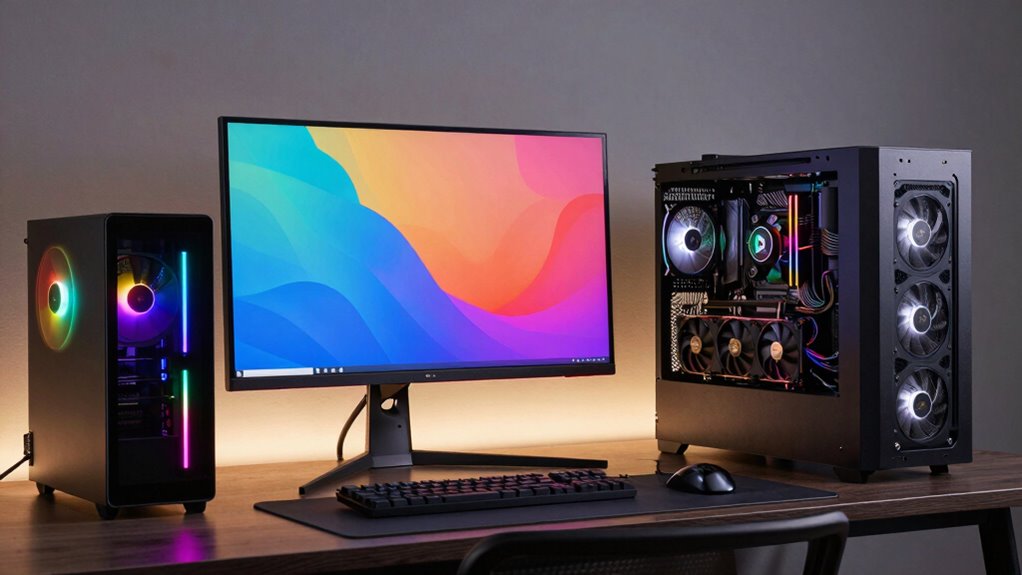
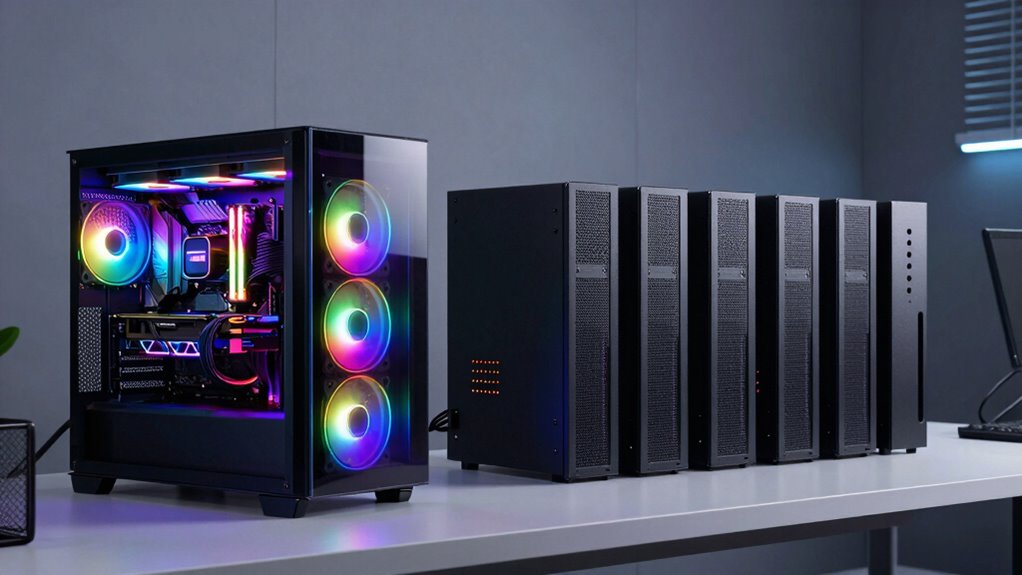
When choosing between creator PCs and AI workstations, understanding their distinct strengths is essential for maximizing your productivity. These two types of systems serve different purposes, and knowing which one aligns with your needs can save you time and money. Creator PCs are designed primarily for multimedia tasks like video editing, graphic design, and content creation. They often focus on high-quality displays, sound systems, and user-friendly interfaces. AI workstations, on the other hand, are built for complex machine learning, data analysis, and AI model training. They pack powerful GPUs, high-speed processors, and extensive memory to handle intensive computational tasks.
Choosing the right system depends on whether your focus is multimedia work or advanced AI computation.
One of the key differences lies in cost efficiency. Creator PCs tend to be more affordable upfront because they’re optimized for creative software rather than raw computational power. If your work involves editing videos, designing graphics, or managing digital content, a creator PC offers a balanced mix of performance and cost, ensuring you get the tools you need without overspending. AI workstations, however, are typically more expensive due to their specialized hardware. They’re engineered to process large datasets and run deep learning algorithms, which demand high-end GPUs and server-grade components. If your focus is on AI development or data science, investing in an AI workstation can be justified by the time and accuracy gains it provides, although it may stretch your budget initially.
Upgrade flexibility is another major consideration. Creator PCs often feature modular components that make upgrading easier. You can swap out graphics cards, add more storage, or upgrade RAM with relative ease, allowing your system to evolve alongside your needs. This flexibility extends the lifespan of your investment and helps you adapt to changing software requirements. AI workstations are also upgradeable, but their design tends to be more specialized and less modular. Upgrading an AI workstation might involve replacing entire components or even the entire system, which can be costly and complex. This means that while an AI workstation can deliver cutting-edge performance, it may require more planning and investment to keep it current. Moreover, depending on your workload, the hardware configuration of each system can significantly impact your overall efficiency. It’s also important to consider software compatibility when selecting your system, as certain workflows may require specific hardware features.
Furthermore, understanding the long-term investment implications can help you make a more informed decision, especially considering the rapid pace of technological advancements in both fields. It’s important to evaluate not only your current needs but also how your system might evolve as your projects grow. Additionally, considering customizable hardware options can further optimize your investment for future needs.
high performance creator PC for video editing
As an affiliate, we earn on qualifying purchases.
As an affiliate, we earn on qualifying purchases.
Frequently Asked Questions
Can a Creator PC Handle AI Training Tasks Effectively?
A creator PC can handle some AI training tasks, but it might not be ideal for intensive projects. While it offers good graphics rendering and software compatibility for creative work, AI training demands powerful GPUs, ample memory, and specialized hardware. If your AI projects are complex, investing in an AI workstation guarantees better performance, faster training times, and smoother handling of large datasets.
What’s the Typical Lifespan of a Creator PC Versus an AI Workstation?
A creator PC usually lasts around 3 to 5 years, depending on hardware durability and software compatibility. AI workstations tend to have a slightly longer lifespan, often 4 to 6 years, because they’re built with more robust components designed for intensive workloads. Regular upgrades can extend both systems’ lifespans, but AI workstations generally remain relevant longer due to their durable hardware and compatibility with evolving AI software.
Are AI Workstations More Energy-Efficient Than Creator PCS?
AI workstations tend to be more energy-efficient than creator PCs because they’re designed to optimize power consumption for demanding AI tasks. You’ll find that their advanced components and cooling systems reduce overall energy use, making them more sustainable in the long run. If you’re concerned about power consumption and want better energy efficiency, an AI workstation can be a smart choice, especially for intensive workloads.
How Easy Is It to Upgrade Each Type of System?
Upgrading both creator PCs and AI workstations varies in hardware flexibility and upgrade complexity. Creator PCs usually offer more accessible hardware upgrades, making it easier for you to swap out components like RAM or storage. AI workstations, however, often have more integrated systems, which can make upgrades more complex and less flexible. Overall, creator PCs tend to be more user-friendly if you want to upgrade hardware yourself.
Do Creator PCS Support Virtual Reality Development Better Than AI Workstations?
Think of creator PCs as your trusty sidekick for virtual reality development, much like a modern VR headset in a 1980s arcade. They generally support virtual reality and creative software better because they’re tailored for graphics-intensive tasks. While AI workstations excel in data processing, creator PCs provide the better environment for immersive VR experiences, making them ideal for developers focused on virtual reality projects and creative software.
AI workstation with powerful GPU and CPU
As an affiliate, we earn on qualifying purchases.
As an affiliate, we earn on qualifying purchases.
Conclusion
In the end, choosing between a creator PC and an AI workstation is like picking the right tool for your craft—each is a different brushstroke on your canvas. If you’re focused on crafting stunning visuals and videos, a creator PC is your trusty paintbrush. But if AI tasks are your palette, pushing boundaries with complex computations, then an AI workstation becomes your powerhouse. Both are essential instruments, each illuminating your path to innovation.
modular content creation PC
As an affiliate, we earn on qualifying purchases.
As an affiliate, we earn on qualifying purchases.
AI training workstation
As an affiliate, we earn on qualifying purchases.
As an affiliate, we earn on qualifying purchases.