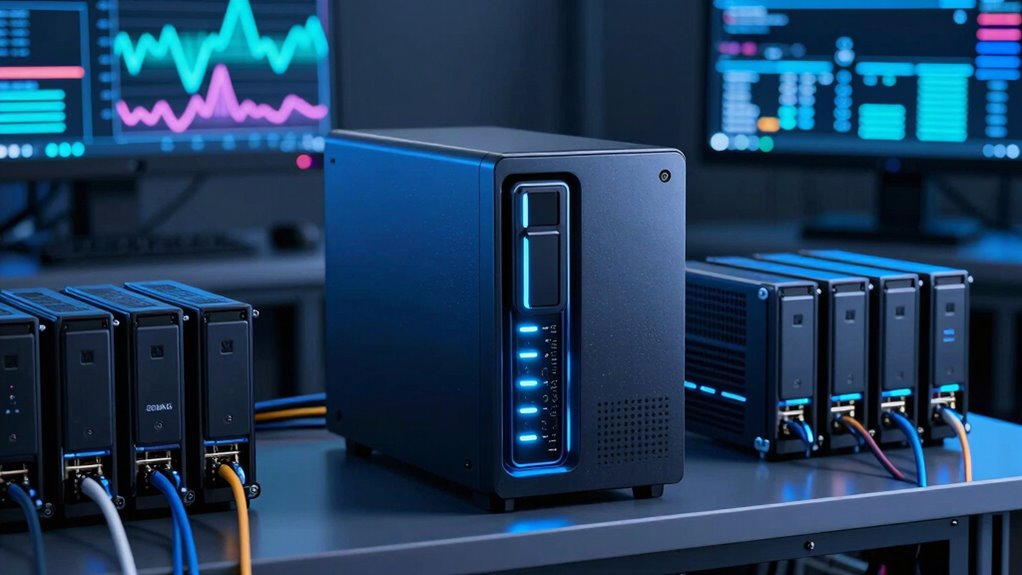

Using NAS storage for your AI media library is a smart move because it provides a centralized, scalable solution that simplifies managing large media files. It supports easy access, collaboration, and secure backups while reducing the clutter of scattered drives or servers. With built-in security features and seamless cloud integration, it boosts both efficiency and protection. Prepare to discover how a NAS system can transform your workflow and future-proof your media storage needs.

Get business pricing on tech for your team
- Business-only prices and quantity discounts
- Tax-exempt purchasing
- Multiple users, one account, clear invoices
Key Takeaways
- Centralizes large media files for easier management and access, streamlining AI media workflows.
- Scales storage capacity efficiently to accommodate growing AI projects and media libraries.
- Integrates seamlessly with cloud services for secure backups and remote collaboration.
- Offers robust security features like encryption and user controls to protect sensitive media assets.
- Enhances performance with optimized data transfer speeds and system horsepower for large data handling.
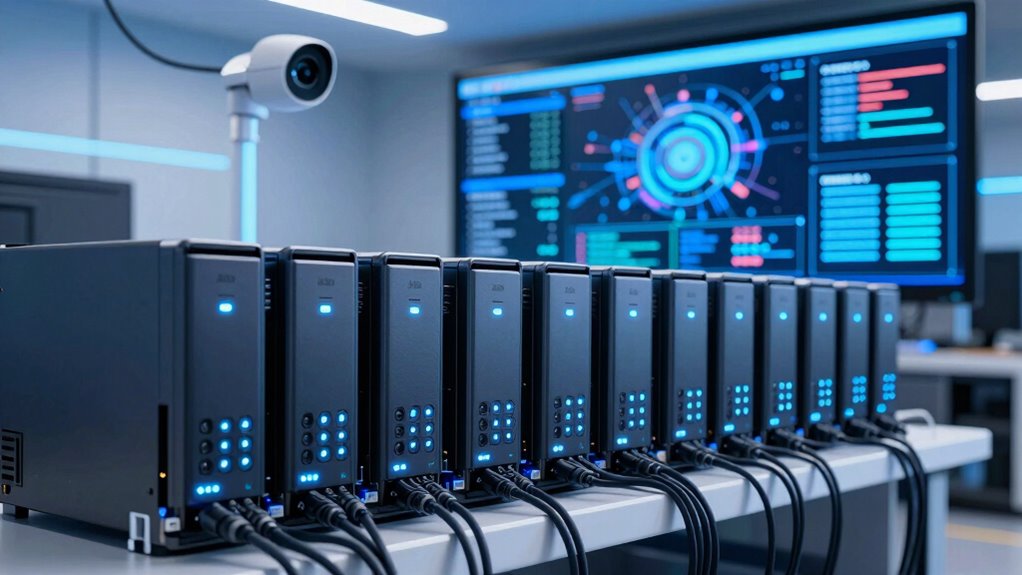
Are you struggling to manage the massive media files generated by AI projects? If so, investing in NAS storage could be the smart move you need. Network Attached Storage offers a centralized solution that simplifies handling large volumes of data, making your workflow smoother and more efficient. With NAS, you can easily store, access, and manage your media libraries without worrying about the limitations of external drives or scattered servers. Its scalability means you can expand storage capacity as your projects grow, ensuring you’re never caught short on space. Plus, NAS devices often come with user-friendly interfaces, so you won’t need to be a tech expert to set up or maintain your system.
NAS storage simplifies managing large AI media files with scalable, secure, and user-friendly centralized solutions.
One of the standout benefits of NAS storage for AI media libraries is its ability to support cloud integration. This feature allows you to seamlessly connect your local storage with cloud services, which is essential when dealing with ever-increasing data sizes. Cloud integration enables you to back up your files securely off-site, ensuring data redundancy and disaster recovery. It also facilitates collaboration, as team members can access and share media assets from anywhere, boosting productivity and reducing delays. This hybrid approach combines the speed of local NAS storage with the flexibility and scalability of the cloud, giving you the best of both worlds. Additionally, understanding contrast ratio in your storage setup can help optimize how your media is displayed and accessed, ensuring clarity and quality. Being aware of data transfer speeds can also influence how effectively you work with large media files across your network. A thorough understanding of storage capacity can help prevent bottlenecks and ensure smooth project workflows. Furthermore, knowing the horsepower of your storage system can influence its performance in handling large data loads efficiently.
Data security is another critical concern, especially with sensitive or proprietary media files. NAS systems come equipped with robust security features like encryption, user access controls, and regular firmware updates to protect your data from breaches. You can set permissions for different team members, ensuring that only authorized personnel can modify or view specific files. Many NAS devices also include automated backups and snapshot capabilities, so you can recover your data quickly if something goes wrong. These security measures help you maintain the integrity of your media library while complying with data protection standards.
Choosing NAS storage for your AI media library isn’t just about managing large files; it’s about creating a dependable, secure, and scalable infrastructure. With cloud integration, you gain the flexibility to expand your storage and collaborate more effectively. Meanwhile, strong data security measures keep your valuable media assets protected from threats. Overall, NAS offers a thorough solution that adapts to your evolving needs, giving you peace of mind and a more streamlined workflow. When dealing with the complex demands of AI media projects, this setup helps you stay organized, secure, and ready to innovate.
As an affiliate, we earn on qualifying purchases.
Frequently Asked Questions
How Does NAS Storage Compare to Cloud Solutions for AI Media?
NAS storage offers better media scalability and data redundancy compared to cloud solutions for AI media. With NAS, you control your data locally, allowing easier expansion as your media library grows. It also provides robust data redundancy features like RAID, ensuring your files stay safe even if hardware fails. Cloud solutions, while flexible, can become costly and less reliable for large-scale AI media libraries, making NAS a smarter choice for consistent performance and security.
What Security Measures Are Essential for NAS in AI Media Environments?
Imagine your NAS as a fortress guarding your AI media library. To keep it secure, you need robust encryption protocols that lock down data, making it unreadable to intruders. Access controls act like gates, ensuring only authorized personnel enter. Regular firmware updates, strong passwords, and network segmentation add layers of protection. These measures create a secure environment where your valuable media stays safe from threats and unauthorized access.
Can NAS Storage Handle Real-Time AI Data Processing Needs?
Yes, NAS storage can handle real-time AI data processing needs, especially when combined with edge computing and data synchronization features. You can process data locally at the edge, reducing latency and guaranteeing faster insights. Data synchronization ensures your AI models stay updated across all devices, maintaining consistency. This setup allows you to efficiently manage high-volume, real-time data streams essential for AI media libraries, making NAS a smart, scalable choice.
What Are the Costs Associated With Expanding NAS Capacity for AI Media?
Expanding NAS capacity for AI media involves a cost analysis that includes hardware upgrades, additional drives, and potential infrastructure adjustments. You’ll face expansion challenges like ensuring compatibility, managing increased data flow, and avoiding bottlenecks. While costs can add up, investing in scalable NAS solutions ultimately supports growing AI media needs, providing a balance between upfront expenses and long-term benefits like improved performance, storage flexibility, and data accessibility.
How Does NAS Integration Impact AI Workflow Efficiency?
NAS integration boosts your AI workflow efficiency by providing seamless data access and reliable data redundancy. You can easily share large media files across teams, reducing delays and bottlenecks. With user access controls, you guarantee the right people get the right data quickly. This streamlined setup minimizes downtime and accelerates project timelines, making your AI media library more agile and responsive to evolving needs.
scalable network attached storage
As an affiliate, we earn on qualifying purchases.
As an affiliate, we earn on qualifying purchases.
Conclusion
Think of NAS storage as the sturdy backbone of your AI media library, holding everything up and keeping it accessible. With its flexibility and resilience, it’s like having a loyal guardian protecting your digital treasures. When you choose NAS, you’re planting a seed for growth and innovation, nurturing your media library to flourish. Embrace NAS, and watch your AI projects soar like an eagle on the wind—strong, guided, and unstoppable.
As an affiliate, we earn on qualifying purchases.
As an affiliate, we earn on qualifying purchases.
Fall Picks
fall essentials
As an affiliate, we earn on qualifying purchases.