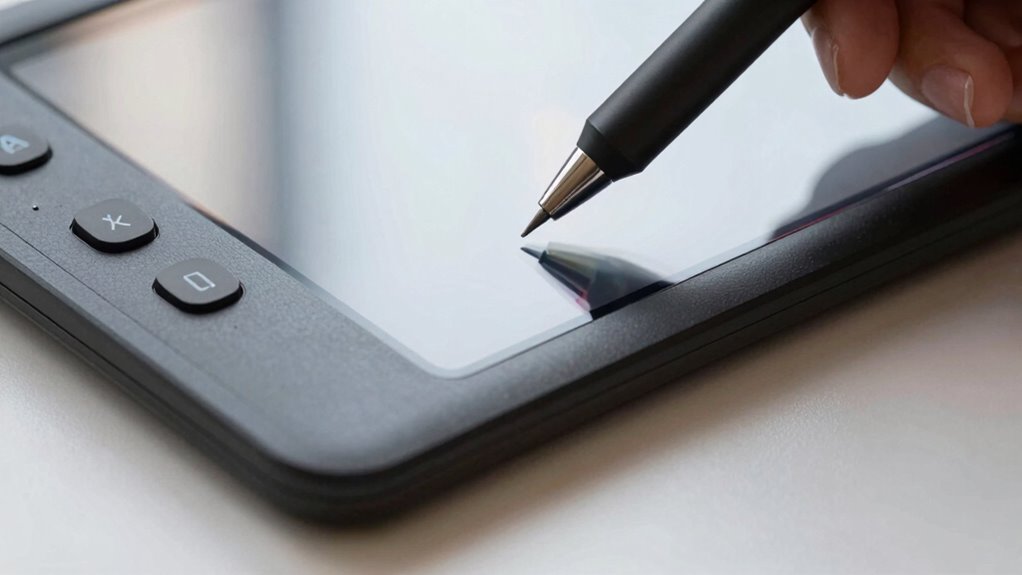

As an AI artist, you need a pen display with true-to-life color accuracy to guarantee your creations look consistent and realistic. Pressure sensitivity is crucial for capturing subtle strokes and natural shading, giving you more control. Features like tilt recognition and customizable buttons boost your workflow, while reliable calibration prevents color drift over time. When your device responds accurately and maintains quality, your artistic process becomes seamless and intuitive. To discover more essential features, keep exploring what makes a pen display truly valuable for you.

Get business pricing on tech for your team
- Business-only prices and quantity discounts
- Tax-exempt purchasing
- Multiple users, one account, clear invoices
Key Takeaways
- Color accuracy ensures realistic, consistent visuals crucial for training AI models and generating lifelike images.
- Pressure sensitivity allows natural, detailed strokes that mimic traditional media, enhancing AI-driven art creation.
- Tilt recognition and customizable buttons streamline workflow, improving efficiency for complex AI art projects.
- Ongoing color calibration maintains true-to-life colors, ensuring reliable results over time.
- Precise hardware responsiveness provides intuitive control, leading to a more natural and productive creative experience.
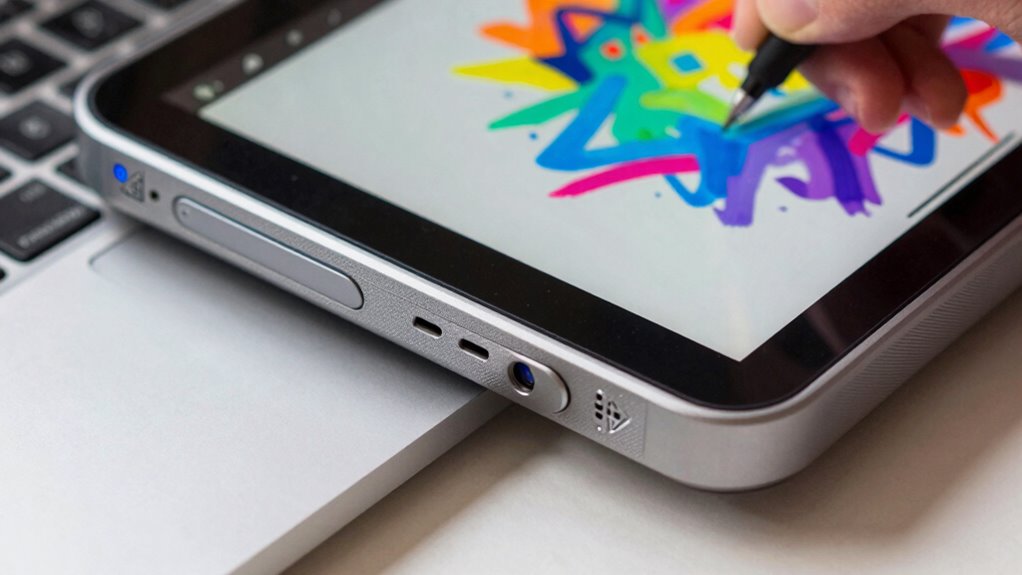
For AI artists, choosing the right pen display can considerably enhance creativity and workflow. When you’re working on digital art, especially with AI tools, the display’s key features directly impact your precision and how true your digital creations look. Two critical aspects to consider are color accuracy and pressure sensitivity. These features determine how well your device translates your artistic intentions into the digital sphere, making them essential for a seamless creative experience.
Color accuracy is vital because it ensures that what you see on your screen closely matches the final output or how your work appears in print. As an AI artist, you rely on precise color representation to train models, generate realistic images, or fine-tune details. A display with high color accuracy guarantees that your colors are consistent and true to life, reducing the guesswork and rework caused by inaccurate color reproduction. This is especially important if you’re collaborating with clients or preparing artwork for publication, where color fidelity can make or break the final presentation.
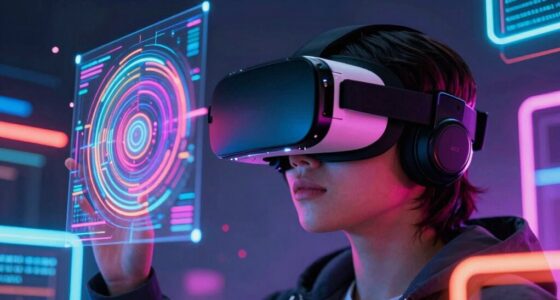
Pressure sensitivity is another feature that shapes your ability to express nuance in your work. A pen display with high pressure sensitivity responds to the slightest variations in your hand pressure, allowing you to create lines of varying thickness and opacity naturally. This mimics traditional drawing or painting techniques and gives you more control over shading, detailing, and blending. When you’re working with AI algorithms that analyze your strokes or generate art based on your input, having a device with responsive pressure sensitivity ensures your gestures are captured accurately. It enables you to work intuitively, translating your real-world skills into digital mastery without feeling limited by the hardware.
Beyond these core features, other aspects like tilt recognition and customizable buttons can enhance your productivity, but color accuracy and pressure sensitivity form the foundation of an effective pen display for AI art. They directly impact how authentically your digital work reflects your creative vision. Investing in a display that balances these features means you can focus more on your art and less on compensating for hardware shortcomings. Additionally, understanding the importance of color calibration helps ensure that your display maintains its color accuracy over time. Ultimately, when your pen display responds precisely to your input and shows colors faithfully, it becomes an extension of your creative mind, making the process more natural, enjoyable, and productive.
high color accuracy pen display for digital art
As an affiliate, we earn on qualifying purchases.
As an affiliate, we earn on qualifying purchases.
Frequently Asked Questions
How Does Pen Display Color Accuracy Impact AI Art Creation?
Pen display color accuracy directly impacts your AI art creation by ensuring colors are true to life. Accurate color calibration helps you see the artwork as intended, avoiding surprises later. A wide color gamut allows you to work with more vibrant, richer colors, enhancing your creative possibilities. When your pen display offers precise color accuracy, your AI-generated art becomes more consistent, polished, and professional-looking, making your artistic process smoother and more satisfying.
What Is the Best Pen Pressure Sensitivity for Detailed AI Artwork?
You should aim for a pen pressure sensitivity of around 2048 levels, as it offers precise control for detailed AI artwork. Studies show that higher sensitivity improves brush responsiveness, allowing for smoother strokes and better texture replication. With this level, you can capture subtle variations in pressure, making your digital brushwork more natural and expressive, perfect for intricate details and complex textures in your AI art projects.
Do Pen Displays Support Multi-Touch Gestures for AI Design Workflows?
Yes, many pen displays support multi-touch gestures for AI design workflows. You can customize gestures to streamline tasks, like zooming, rotating, or undoing actions, thanks to their multi-touch responsiveness. This feature boosts your efficiency, allowing you to switch tools or navigate your workspace seamlessly. Look for models offering gesture customization options, so you can tailor the multi-touch experience precisely to your AI art needs.
How Important Is Screen Size for AI Artists Working on Complex Projects?
Screen size is pretty important for AI artists tackling complex projects because it affects your workspace and detail work. Larger screens with high screen resolution help you see more detail clearly and work more efficiently. Also, an ergonomic design guarantees comfort during long sessions, preventing strain. Ultimately, a bigger, high-resolution display combined with ergonomic features makes your workflow smoother and more precise, boosting your productivity and creativity.
Are Pen Display Calibration Tools Essential for Consistent AI Art Results?
Calibration tools are essential for maintaining consistent AI art results, as they guarantee your pen display’s color accuracy and responsiveness. Proper calibration helps with precise color management, preventing discrepancies that can compromise your work’s quality. Investing in reliable calibration tools allows you to achieve uniform results across different projects and devices, making your digital art more professional. Without them, you risk inconsistent colors and diminished control, which can hinder your creative process.
pressure sensitive drawing tablet for AI artists
As an affiliate, we earn on qualifying purchases.
As an affiliate, we earn on qualifying purchases.
Conclusion
So, as you explore pen displays, remember that the features you prioritize could unlock new creative heights—if you choose wisely. Will the next upgrade elevate your AI artistry to the next level? The right pen display might just be the game-changer you’ve been waiting for, but only if you pay attention to what truly matters. Stay curious, stay sharp—your masterpiece could be closer than you think. The future of your art awaits.
pen display with tilt recognition and customizable buttons
As an affiliate, we earn on qualifying purchases.
As an affiliate, we earn on qualifying purchases.
professional digital drawing monitor with color calibration
As an affiliate, we earn on qualifying purchases.
As an affiliate, we earn on qualifying purchases.
Halloween Picks
halloween
As an affiliate, we earn on qualifying purchases.