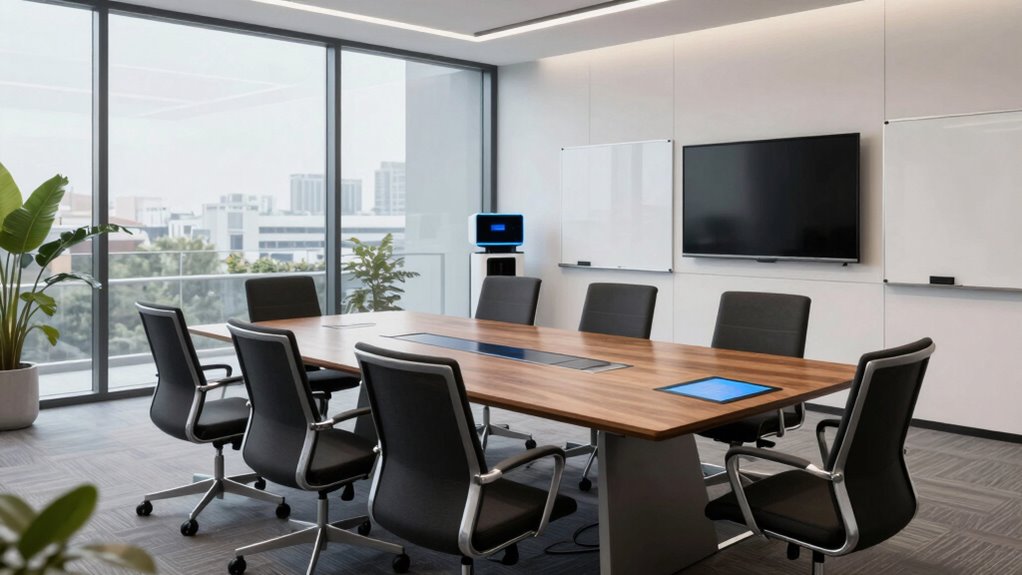

To build a better meeting room for AI assistants, focus on improving acoustics, hardware, and layout. Use high-quality microphones placed strategically to capture voices from various angles, and reduce background noise with soundproofing, acoustic panels, and clutter-free setups. Keep the environment simple to improve speech clarity and recognition. Regularly assess noise levels and equipment to guarantee peak performance. If you’re curious about more effective tips, there’s plenty more to explore.

Get business pricing on tech for your team
- Business-only prices and quantity discounts
- Tax-exempt purchasing
- Multiple users, one account, clear invoices
Key Takeaways
- Install high-quality, strategically placed microphones to capture voices clearly from all angles.
- Use acoustic treatments like panels and carpets to reduce echoes and improve speech clarity.
- Keep the room clutter-free and minimalistic to prevent sound interference and enhance recognition accuracy.
- Evaluate and control ambient noise levels to create an optimal environment for AI interaction.
- Select hardware optimized for voice recognition and regularly assess the setup for continuous improvements.
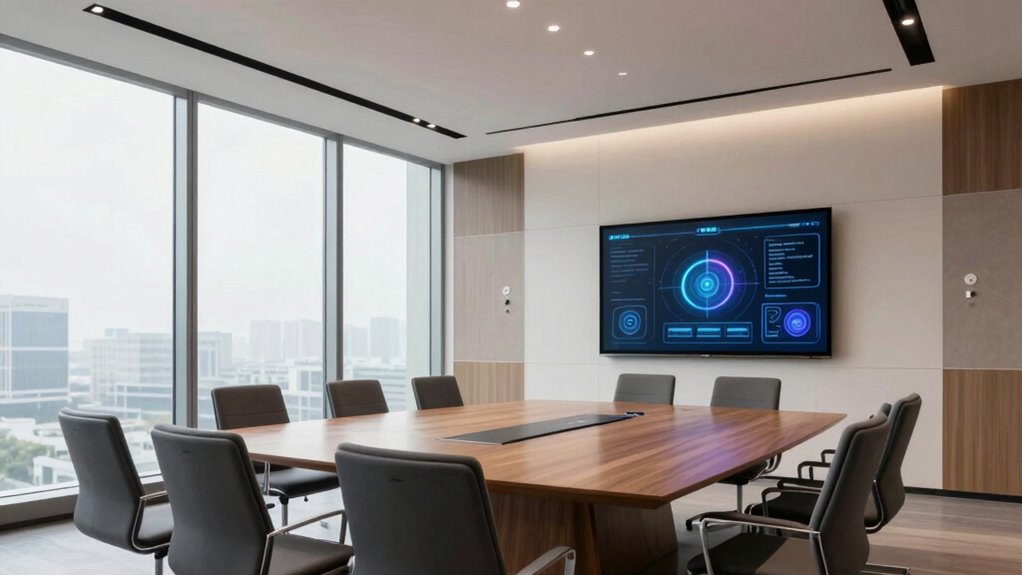
As AI assistants become more integral to workplace collaboration, designing meeting rooms that optimize their performance is essential. You want your AI tools to understand speech clearly and respond quickly, which makes focusing on voice recognition technology a top priority. For this to work smoothly, your room needs to be set up in a way that minimizes background noise and maximizes the AI’s ability to pick up commands accurately. Installing high-quality microphones and ensuring they are strategically placed can significantly improve voice recognition. These microphones should be capable of capturing voices from different angles and distances, reducing the need for participants to speak loudly or directly into a device. As you consider the room layout, keep in mind that clutter and ambient noise can interfere with voice commands, so choose a simple, clutter-free environment where the AI’s listening capabilities can perform at their best.
Equally important is the acoustic design of the room. Good acoustic treatment helps control echoes, reverberation, and background noise, ensuring voices sound clear and natural. You should look into soundproofing options like acoustic panels, ceiling tiles, and carpets to absorb sound and prevent noise from leaking in or out. Proper acoustic design not only improves speech clarity for human participants but also enhances the AI’s ability to interpret commands accurately. When voices are muffled or distorted by poor acoustics, the AI’s response time can lag, and misunderstandings may occur. By designing an environment where sound travels directly and clearly, you enable your AI assistant to perform more effectively, reducing frustration and increasing productivity. Additionally, incorporating soundproofing techniques that are tailored to the room’s size and shape can further optimize acoustic performance. Moreover, using soundproofing materials that are suitable for the specific room conditions can help maintain a quiet environment, further improving AI recognition accuracy. It is also helpful to consider the room acoustics and how they influence speech intelligibility, tailoring treatments accordingly to achieve the best results. To ensure optimal performance, it’s also beneficial to consider the voice recognition capabilities of the AI systems used and select hardware that aligns with these features. Furthermore, evaluating the noise levels within the space can help identify additional adjustments necessary to create an ideal environment for AI-assisted meetings.
high-quality conference room microphones
As an affiliate, we earn on qualifying purchases.
As an affiliate, we earn on qualifying purchases.
Frequently Asked Questions
How Do I Measure the Effectiveness of an Ai-Assisted Meeting?
You measure the effectiveness of an AI-assisted meeting by tracking productivity metrics, such as task completion rates and decision accuracy. Monitor user engagement by noting participation levels and feedback. If attendees actively use AI features and report improved collaboration, your meeting is successful. Regularly analyze these metrics to identify areas for improvement, ensuring your AI tools enhance productivity and engagement, ultimately leading to more effective and efficient meetings.
What Are the Privacy Considerations for AI in Meeting Rooms?
You should prioritize user consent and guarantee transparency about data collection. Implement data encryption to protect sensitive information discussed during meetings. Clearly inform participants about what data is being gathered, how it’s stored, and who has access. Regularly review privacy policies and stay compliant with regulations like GDPR. By taking these steps, you create a secure environment that respects privacy while leveraging AI’s benefits in meeting rooms.
How Can I Train Staff to Use AI Assistants Effectively?
Think of training staff like tuning a musical instrument—you want harmony. To boost user engagement, use interactive training strategies like hands-on demos and real-world scenarios, making the learning experience engaging. Share success stories, like how a team improved productivity by mastering AI tools quickly. Regular refreshers and feedback sessions help staff stay confident and efficient. With consistent support, your team will effectively harness AI assistants’ full potential.
What Are Common Technical Issues With AI Meeting Assistants?
Common technical issues with AI meeting assistants often involve voice recognition errors and connectivity stability problems. You might notice the assistant misinterprets commands or struggles to follow along, especially in noisy environments. Connectivity issues can cause delays or audio dropouts, disrupting the flow of your meetings. To minimize these, guarantee high-quality microphones, stable internet connections, and regularly update your AI software for peak performance.
How Do I Integrate AI Assistants With Existing Meeting Tools?
You can seamlessly integrate AI assistants with your existing meeting tools by connecting their APIs, ensuring smooth data flow. Focus on optimizing voice recognition to allow natural commands, and tailor the user interface for intuitive use. Don’t put all your eggs in one basket—test integrations thoroughly before rolling out. This way, your AI assistant becomes a natural extension of your tools, making meetings more efficient without missing a beat.
soundproof acoustic panels for meeting rooms
As an affiliate, we earn on qualifying purchases.
As an affiliate, we earn on qualifying purchases.
Conclusion
Now, with a smarter meeting room, you can focus on ideas rather than technical glitches. It’s like upgrading from a dusty chalkboard to a sleek touchscreen—the difference is night and day. While AI handles the logistics, you get to enjoy genuine conversations, creativity, and connection. Building this space isn’t just about tech; it’s about transforming meetings from tedious to inspiring. Embrace the change, and watch your collaboration thrive—because the future of meetings is smarter, not harder.
As an affiliate, we earn on qualifying purchases.
voice recognition hardware for meetings
As an affiliate, we earn on qualifying purchases.
As an affiliate, we earn on qualifying purchases.
Halloween Picks
halloween
As an affiliate, we earn on qualifying purchases.