
📊 Full opportunity report: Build vs Buy a Prebuilt AI Workstation on ThorstenMeyerAI.com — validation score, market gap, and execution plan.
TL;DR
In 2026, prebuilt AI workstations often match or beat DIY prices due to market shortages and bulk buying. They offer faster deployment and reliability, but building provides more control. A hybrid approach may suit many needs.
In 2026, prebuilt AI workstations now often cost less or comparable to DIY builds due to component shortages and price spikes, offering faster deployment and validated reliability. This shift impacts how organizations and individuals choose their hardware solutions for AI workloads, emphasizing speed and operational certainty over customization.
Recent market conditions, including global chip shortages and rising component costs, have altered the traditional build vs buy calculus for AI workstations. Prebuilt systems from vendors like Lambda and Puget now frequently match or beat the cost of assembling a DIY rig, thanks to bulk purchasing and supply chain efficiencies. These prebuilt options arrive ready to operate, with validated thermals, warranties, and support, significantly reducing setup time and operational risks.
Conversely, building your own system offers maximum control over hardware configuration, software, security, and upgrade paths. However, it requires substantial technical expertise, time for sourcing parts, assembly, testing, and ongoing maintenance. The choice between the two depends on priorities such as deployment speed, customization needs, and long-term ownership. For example, a startup needing rapid deployment might prefer a prebuilt system that can be operational within 1–2 weeks, whereas a research lab prioritizing hardware control might favor a custom build despite longer setup times.
Build vs buy
an AI workstation.
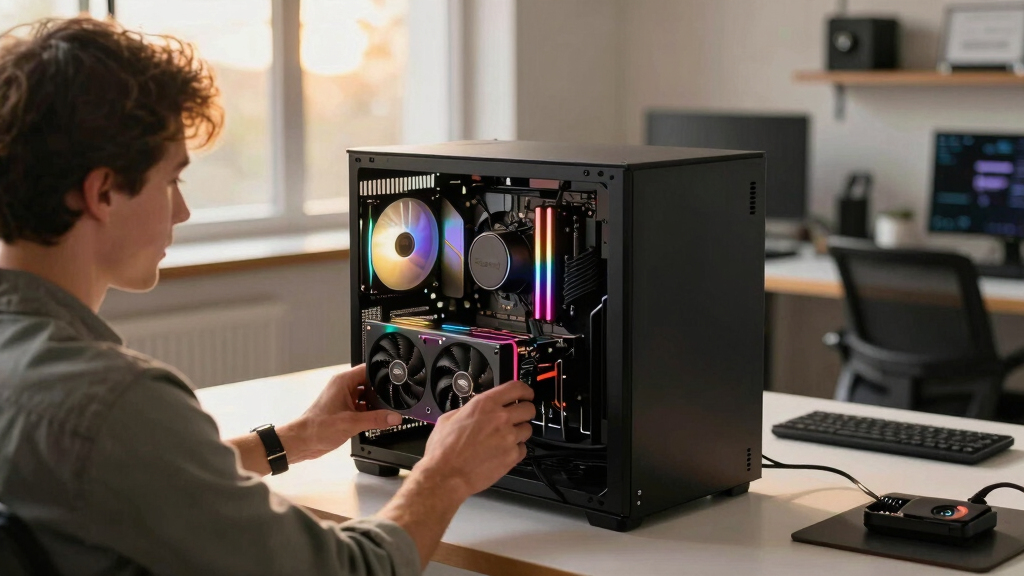
The real question behind this whole series: do you pull the five heat-and-noise levers yourself, or buy a prebuilt where the vendor pulled them for you? And in 2026, the old “building is cheaper” rule has broken. Match your situation in Part 3.
Impacts of Market Shifts on AI Hardware Choices
The evolving landscape in 2026 means organizations must carefully weigh costs, deployment timelines, and control when choosing AI hardware. The reduced cost gap and increased reliability of prebuilt systems make them attractive for many, especially when time-to-market is critical.
However, for entities with specific security or customization requirements, building remains a valuable option, provided they have the necessary expertise. The decision impacts operational efficiency, project timelines, and long-term infrastructure flexibility, making it a strategic choice rather than just a cost comparison.

WIWB Gaming PC Desktop Core I9-14900HX, RTX 5060 Ti 8G, 1TB NVME SSD
- Powerful Processor: Intel Core i9-14900HX with 24 Cores
- High-Performance Graphics: GeForce RTX 5060 Ti 8GB GDDR7
- Fast Memory & Storage: 16GB DDR5 RAM and 1TB NVMe SSD
As an affiliate, we earn on qualifying purchases.
As an affiliate, we earn on qualifying purchases.
Market Dynamics Reshaping Hardware Procurement in 2026
Historically, building a custom AI workstation was cheaper but time-consuming and requiring technical skill. In 2026, global chip shortages, supply chain disruptions, and rising component prices have increased DIY costs, sometimes surpassing prebuilt options. Vendors like Lambda and Puget leverage bulk buying and validation processes to offer systems that are both cost-competitive and ready to deploy rapidly.
This shift is part of a broader trend where operational risks and deployment speed are increasingly prioritized. The market now favors preconfigured, validated systems for their reliability and support, especially in enterprise and research settings. The choice remains nuanced, with hybrid solutions gaining popularity among users seeking balance.
"Our prebuilt systems undergo rigorous testing and thermal validation, ensuring consistent performance and reducing setup time for our clients."
— A representative from Lambda
As an affiliate, we earn on qualifying purchases.
Remaining Unknowns in the Build vs Buy Decision
It is still unclear how ongoing market fluctuations will influence long-term costs for DIY components versus prebuilt systems. The impact of potential future supply chain improvements or disruptions remains uncertain, as does the evolving complexity of AI workloads which may demand more specialized hardware or software configurations.
Additionally, the long-term durability and upgradeability of prebuilt systems versus custom builds are still under assessment, with some experts questioning whether prebuilt systems will adapt as quickly to future AI advancements.
As an affiliate, we earn on qualifying purchases.
Next Steps for Organizations Considering AI Hardware
Organizations should conduct comprehensive total cost of ownership analyses, considering not only initial purchase price but also support, maintenance, and upgrade costs. Monitoring ongoing market trends and vendor offerings will be crucial as new hardware models and supply chain developments emerge.
Additionally, many organizations are adopting hybrid approaches, combining prebuilt systems with custom upgrades, to balance speed, control, and flexibility. Decision-makers should also evaluate internal expertise and project timelines to choose the best fit.
As an affiliate, we earn on qualifying purchases.
Key Questions
Is it more cost-effective to build or buy an AI workstation in 2026?
It depends on your priorities. Due to market conditions, prebuilt systems often match or beat DIY costs when considering total ownership, especially with support and validation included.
How long does it take to deploy a prebuilt AI workstation?
Most prebuilt systems can be delivered and set up within 1–2 weeks, whereas DIY builds may take a month or more due to sourcing and assembly time.
What are the main advantages of building my own AI workstation?
Building offers maximum control over hardware, software, security, and future upgrades, which can be critical for specialized or security-sensitive projects.
Are prebuilt AI workstations reliable for long-term use?
Yes, reputable vendors validate thermals, run burn-in tests, and provide warranties, making prebuilt systems a dependable choice for long-term operations.
Can hybrid solutions offer the best of both worlds?
Yes, combining prebuilt systems with custom upgrades or configurations can balance deployment speed, control, and flexibility, appealing to many organizations.
Source: ThorstenMeyerAI.com